
From drawing
to quote.
Your customer emails an RFQ. Bring the drawings and requirements into QuoteSooner, review the details and build your price. Download the finished quote to share.
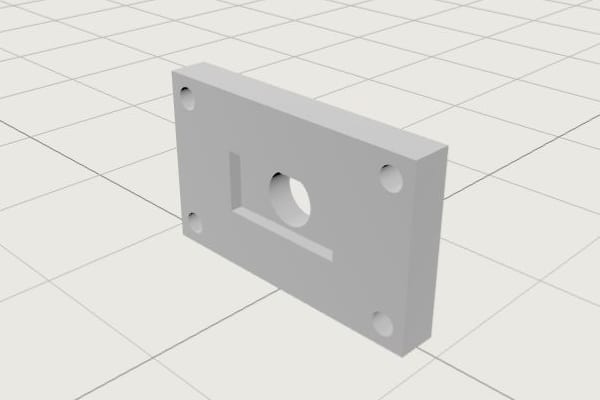
Start with what
your customer sent.
When an RFQ arrives in your inbox, upload the drawings. Paste the customer’s email requirements into the request, with the quantities they want quoted.
Mounting bracket
BR–4471 · Revision C
Check the part.
Confirm the details.
AI suggests part details from the files and text you add. Check materials, finishes and tolerances against the drawing, confirm quantities and fill in anything missing before you price the job.
Check a suggestion before using it
Sample correction: the drawing specifies 6061-T6. The suggestion omits the temper.
- Drawing requirement
- 6061-T6
- Incomplete suggestion
- 6061 — review needed
- After your review
- 6061-T6 confirmed
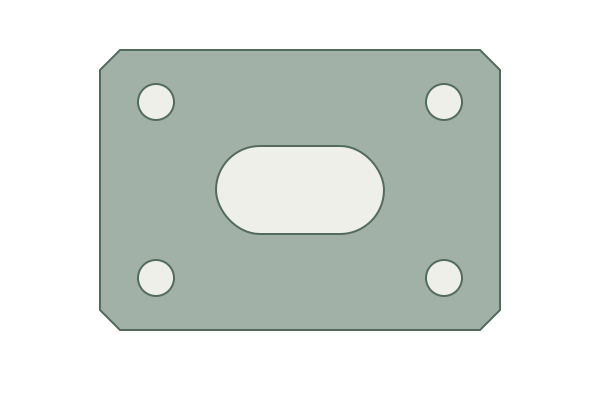
Sample geometry. CAD processing is being prepared for guided pilots; we’ll confirm supported files and availability during your walkthrough.
Build your price.
Enter your prices or calculate from material and operation costs. Compare quantity breaks and set your lead time.
Ready for
your customer.
Review the prices, quantities, lead time and terms. Download the PDF with your shop’s name and send it from your usual email.
Open the sample quote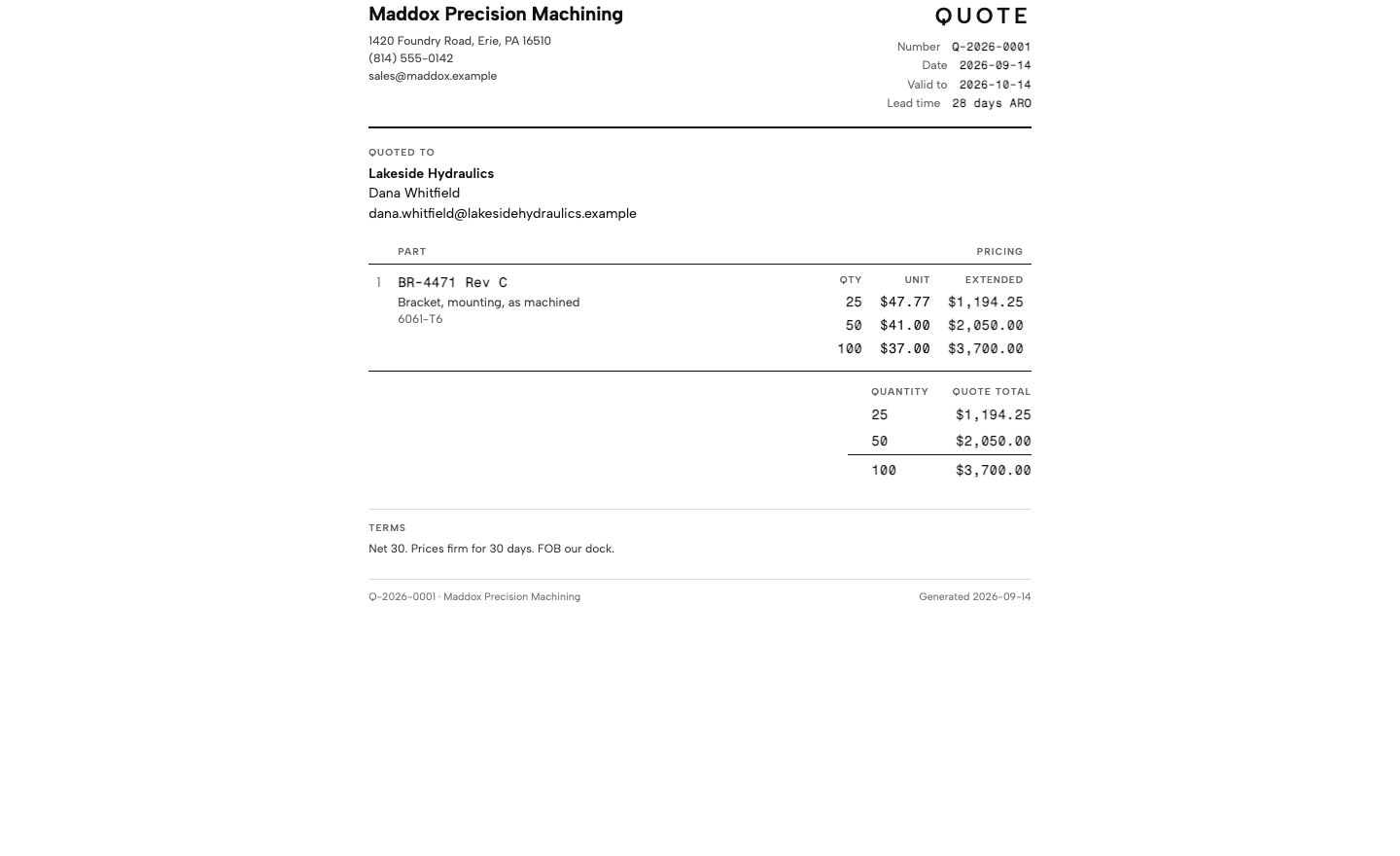
Common questions.
Privacy PolicyDo customers need to change how they send RFQs?
They can keep emailing you as usual. For the current workflow, you upload their drawings and paste their requirements into QuoteSooner. Once you’ve reviewed and priced the request, download the quote PDF and send it from your usual email.
Do I need a CAD model to start?
You can start with PDF drawings and the customer’s requirements. CAD processing is being prepared for guided pilots. We’ll confirm availability and supported files during your walkthrough; a CAD model is not required to evaluate the drawing and costing workflow.
Can I use my own prices?
Yes. Enter unit prices directly, or calculate from material and operation costs. You can compare quantity breaks, add expenses and set the production lead time.
What does the AI decide?
AI suggests part details from the drawings and request text you add. You check the suggestions against the source, correct the requirements and fill in anything missing. You set the prices and approve the final quote. AI can make mistakes.
How do we get started?
Request a walkthrough. Bring a representative request and your shop rates. We’ll work through it together and arrange guided access so you can try the next request yourself.